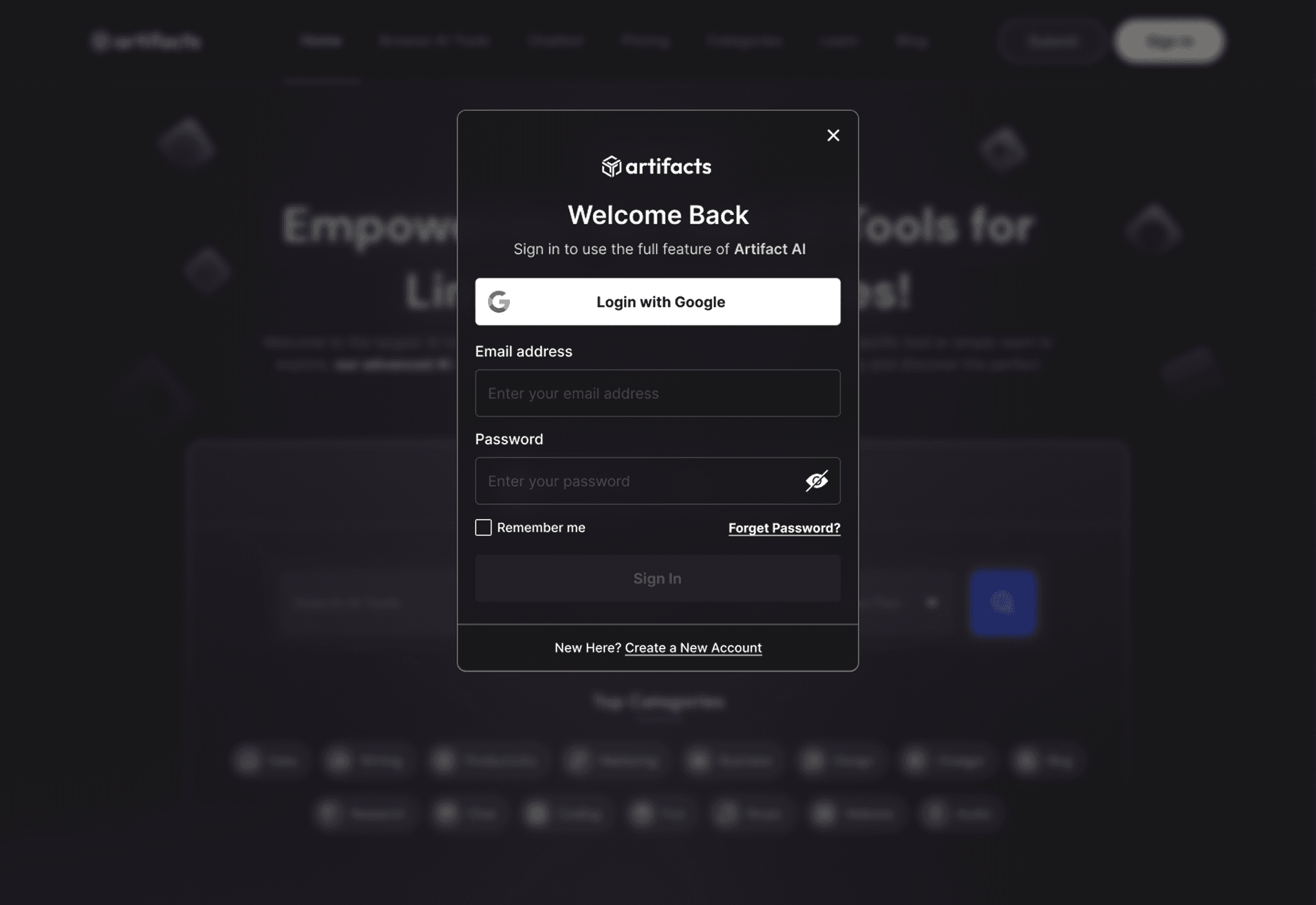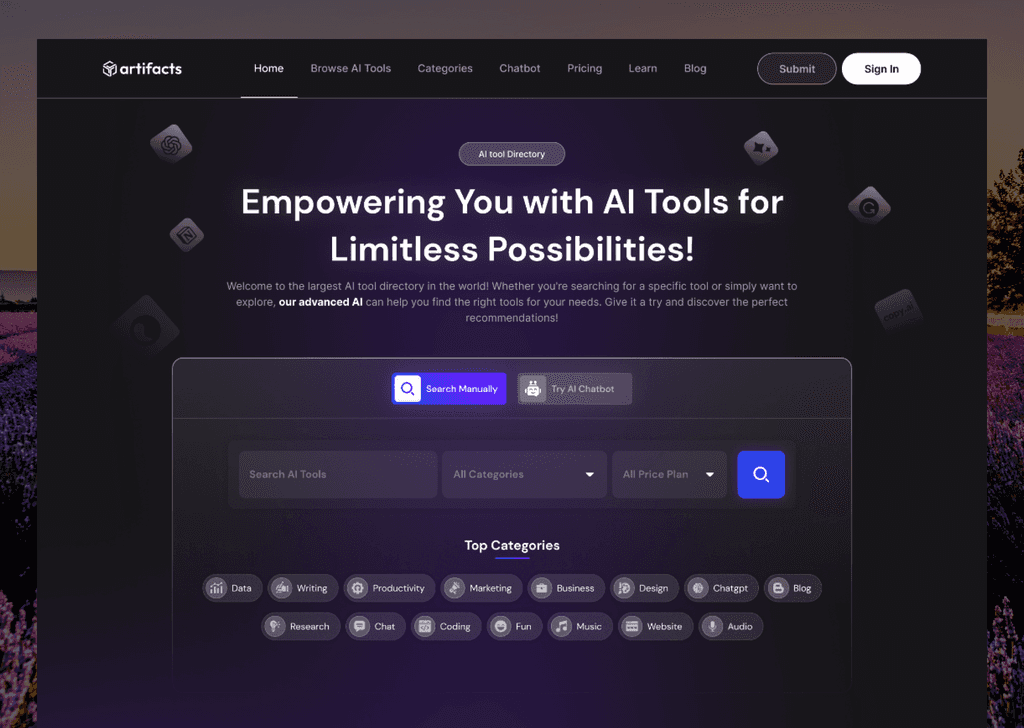
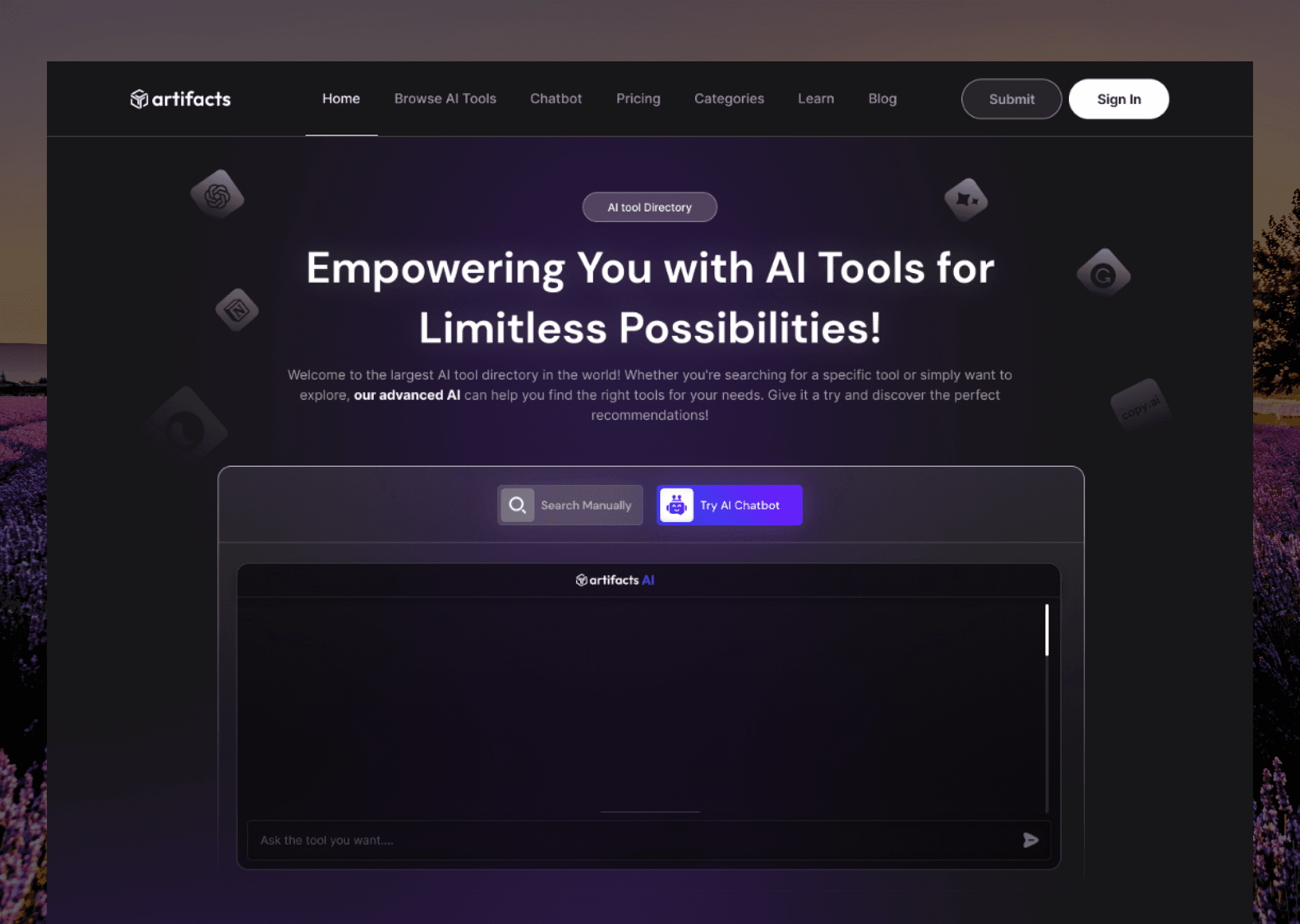
New AI tools appear every week, and keeping up is exhausting. FindTools helps people make sense of it all. It’s more than a directory: it combines AI-powered search with articles and videos, so people can discover a tool, understand it and decide whether it’s right for them.
The problem
Most AI directories made things harder, not easier. They showed thousands of tools in huge grids with almost no organisation. Search usually needed the exact name of a tool, so a real question like “how do I clean up my podcast audio?” went nowhere.
Very few of them explained anything. You’d get a logo and a link, and you were on your own. But people didn’t want to know that a tool existed. They wanted to know whether it would solve their problem.
Research
I started with academic papers on how people interact with AI, especially how they evaluate a new tool and decide to adopt it. I chose to ground the design in that research rather than lean mostly on what competitors were doing.
The same frustrations came up again and again: interfaces that overwhelm you, search that’s rigid and unhelpful, and almost no explanation of how a tool works in practice.
I focused on three groups of people.
Freelancers and creators
Looking for AI that saves them time on real client work.
Startup founders
Need tools that help a small team scale quickly.
Students and lifelong learners
Curious about AI trends and keen to learn how things work.
What all three said“I don’t just want to know which tool exists. I want to know if it actually solves my problem.”
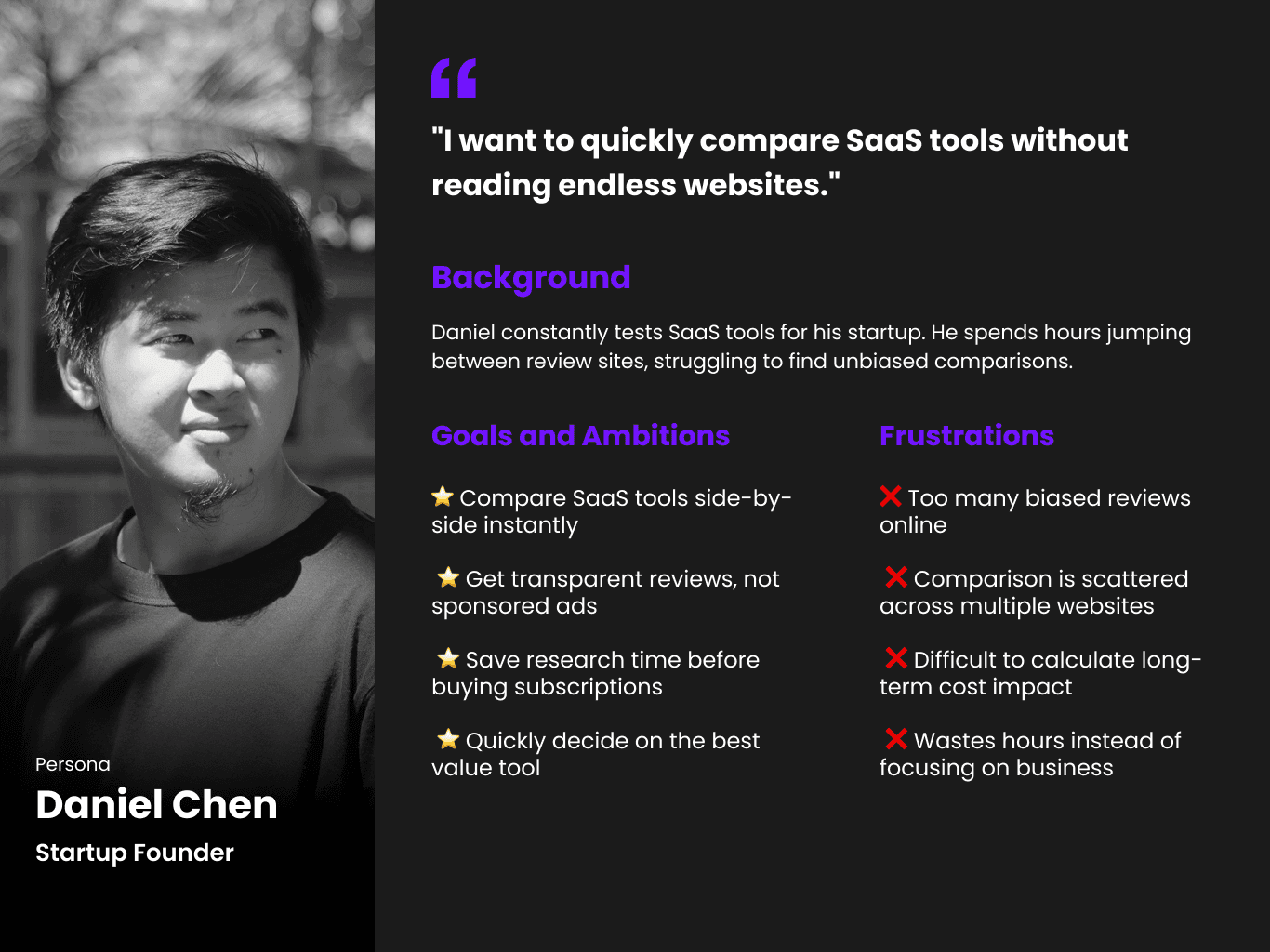

Research material.
The idea
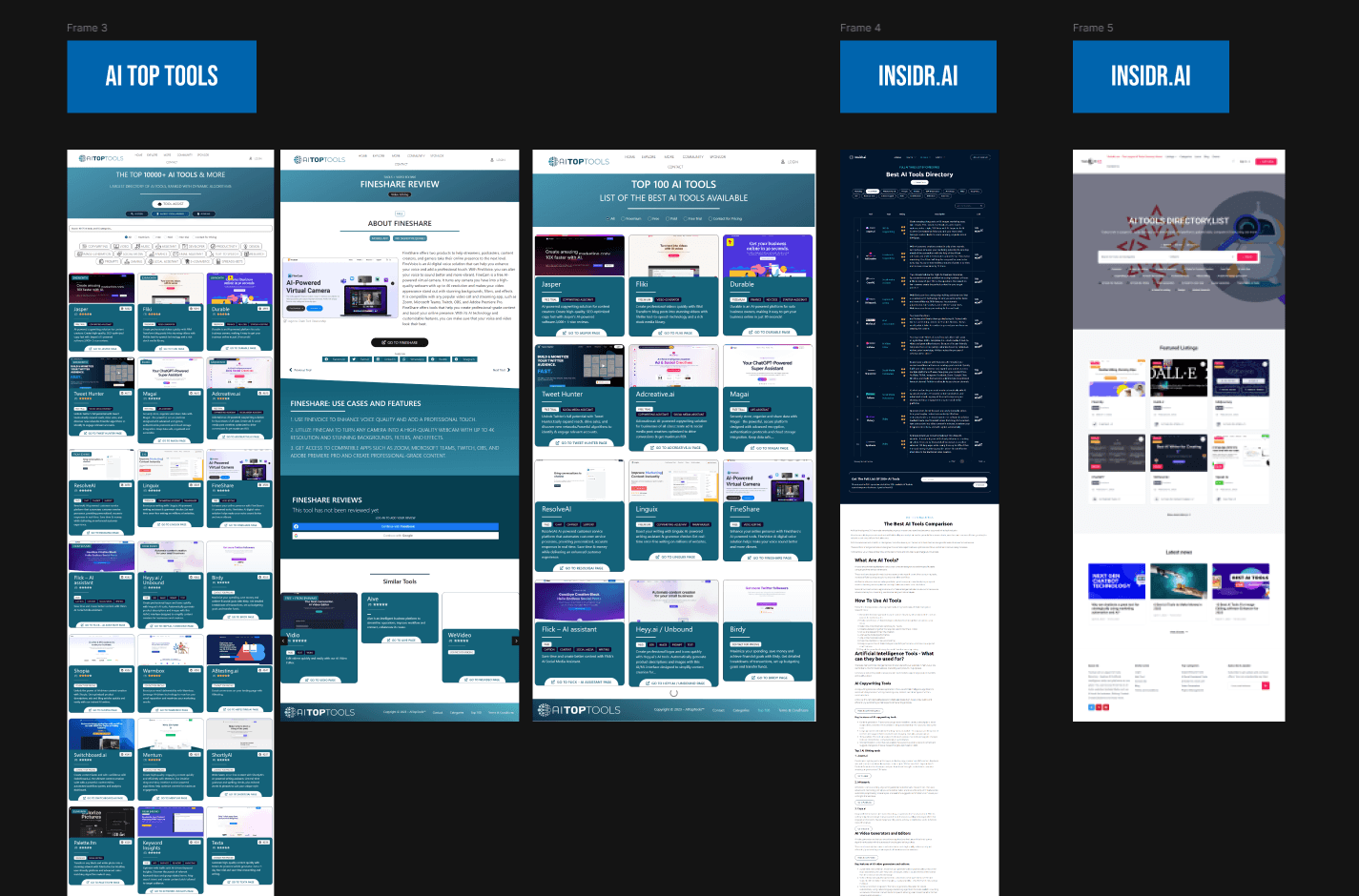
When we looked at competitors, they all followed the same pattern: logos, long lists and keyword filters. So we turned it around. Instead of browsing categories, people describe the problem they’re trying to solve, and AI search suggests tools that fit, with context.
Everyone else: keyword filters
A long list of logos. You still have to work out which one fits.
FindTools: a problem-solving lens
- Script to video generatorFits because it turns written content into clips
- AI voiceover toolFits because it narrates your text naturally
- Auto captioning appFits because short videos need subtitles
Matches that come with a reason, so you know why they fit.
The aim was to create something new: a discovery platform that’s smarter, guides you, and teaches you along the way.
Design
- 01
Wireframes
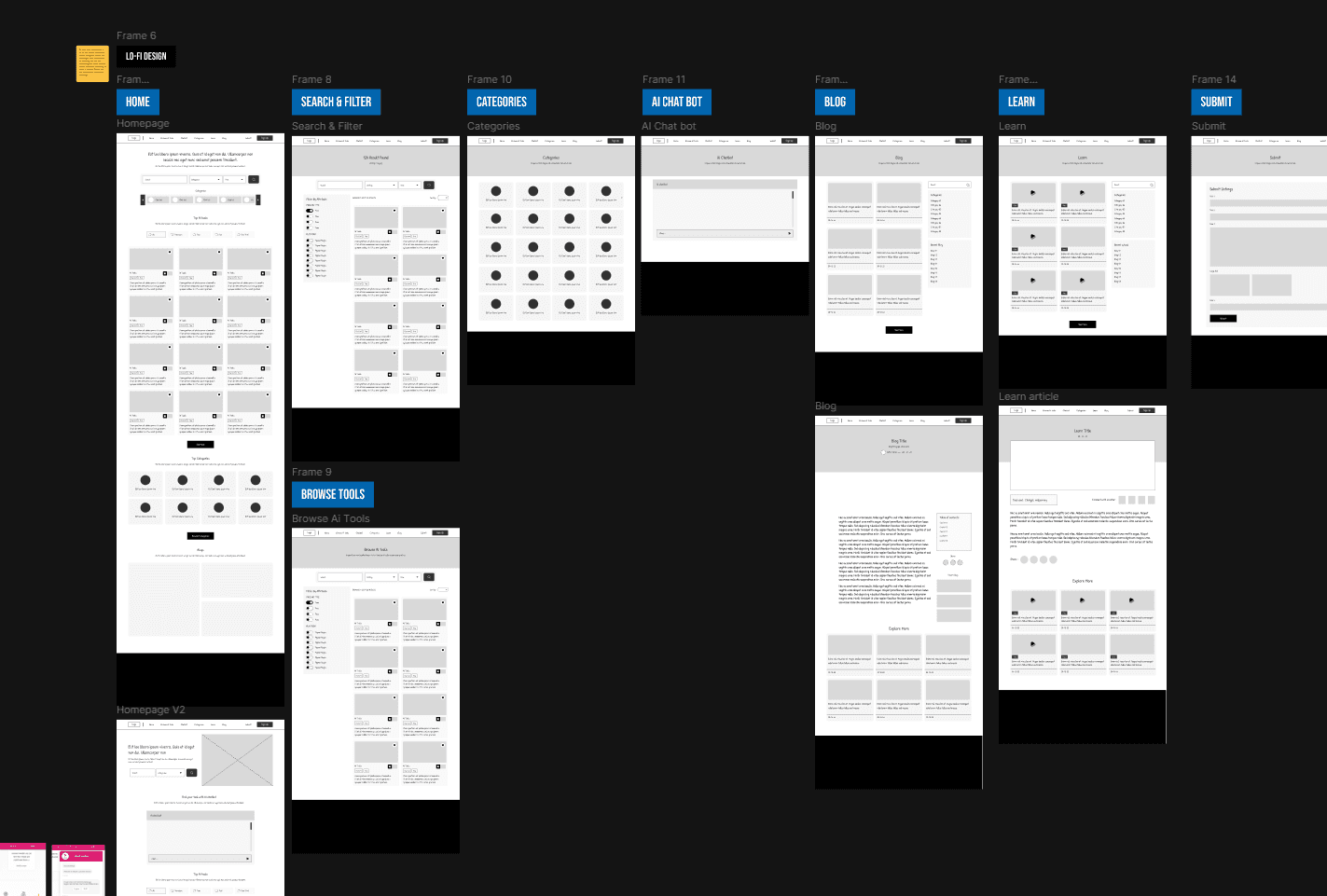
I mapped the main journeys, discovering, searching and learning, and kept each screen light to avoid overload.
- 02
Website design
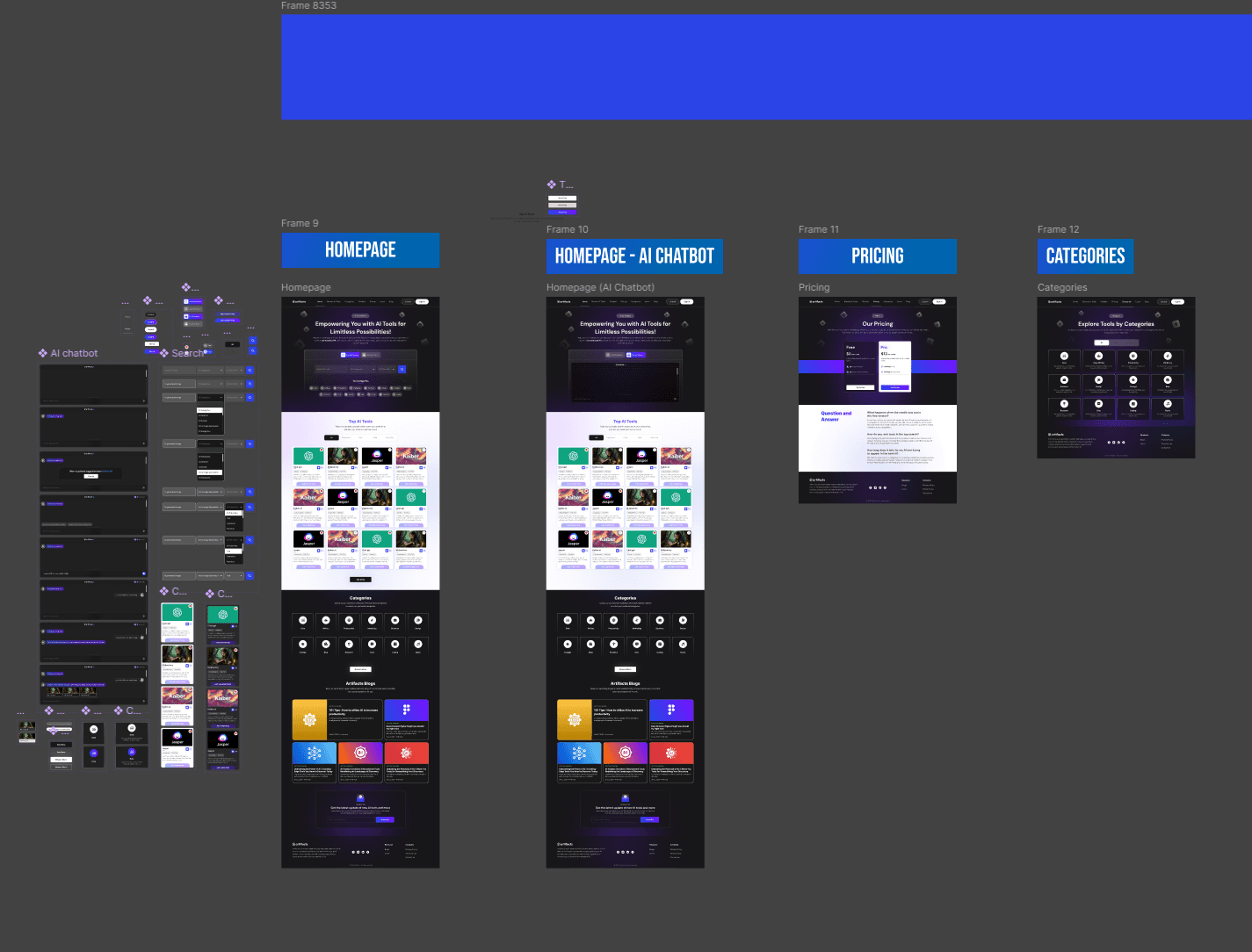
A clean layout that still holds a lot of information, with articles and videos placed next to each tool as a way to learn.
- 03
Responsive design
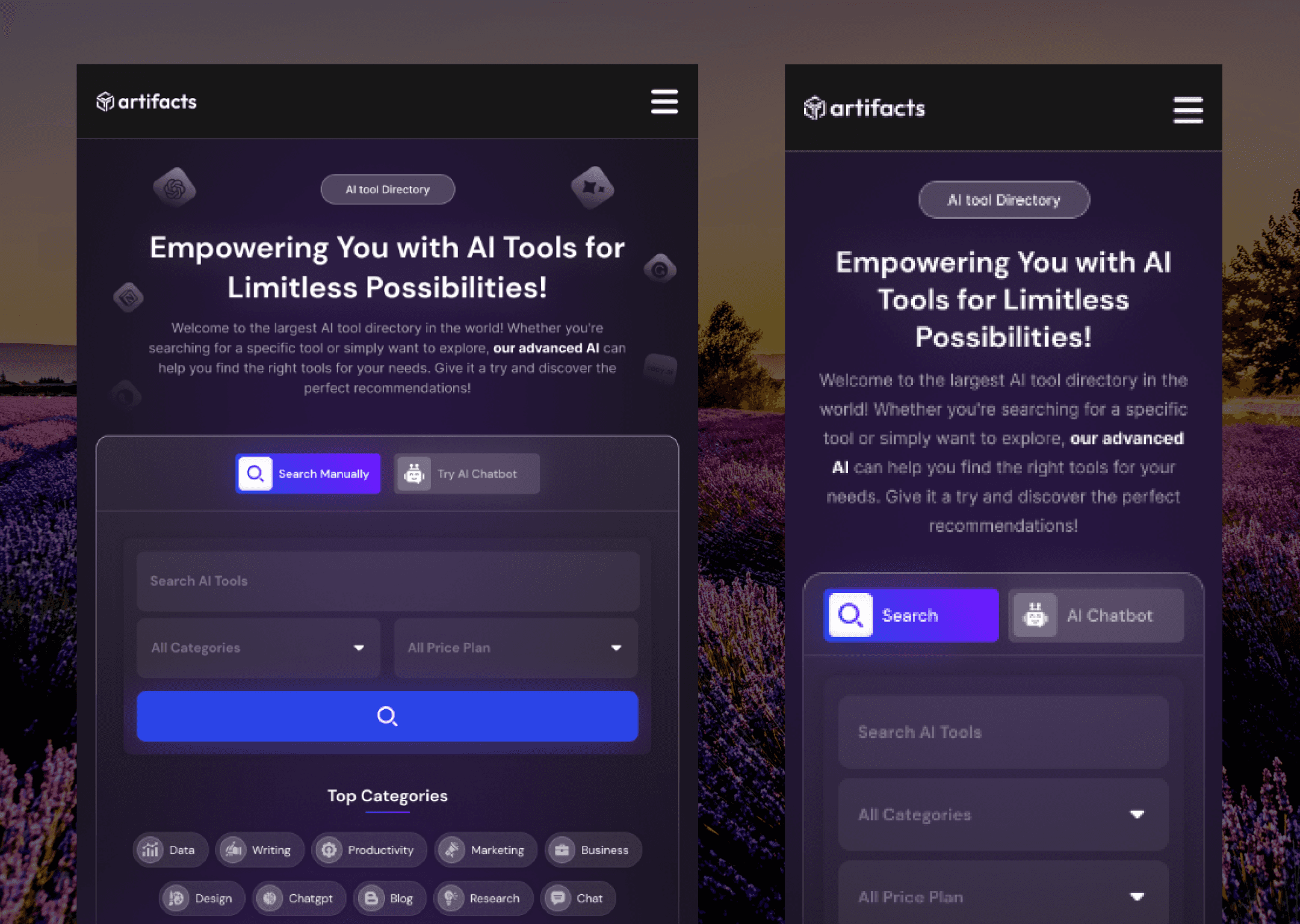
Many people would use FindTools on their phones, so I rethought search, browsing and content for small screens.
I began with wireframes for the core journeys: discovering, searching and learning. The goal at this stage was to keep things calm and avoid the overload that made other directories so tiring.
Then I moved to the full website design. The challenge was balancing a clean layout with a lot of information. Articles and videos became learning paths that sit alongside each tool, so people could understand it as well as find it.
Finally, mobile. A lot of people would be looking for tools on their phones, so I reworked search, browsing and content for smaller screens without losing any clarity.
Testing
- Test 01 · Internal testing
AI search made it much faster to find the right tools.
✓ Confirmed - Test 02 · Early users
The articles and videos gave people more confidence to actually try a tool.
✓ Confirmed - Test 03 · Responsive testing
Engagement went up on mobile. Students and learners especially preferred it.
✓ Confirmed
The final product
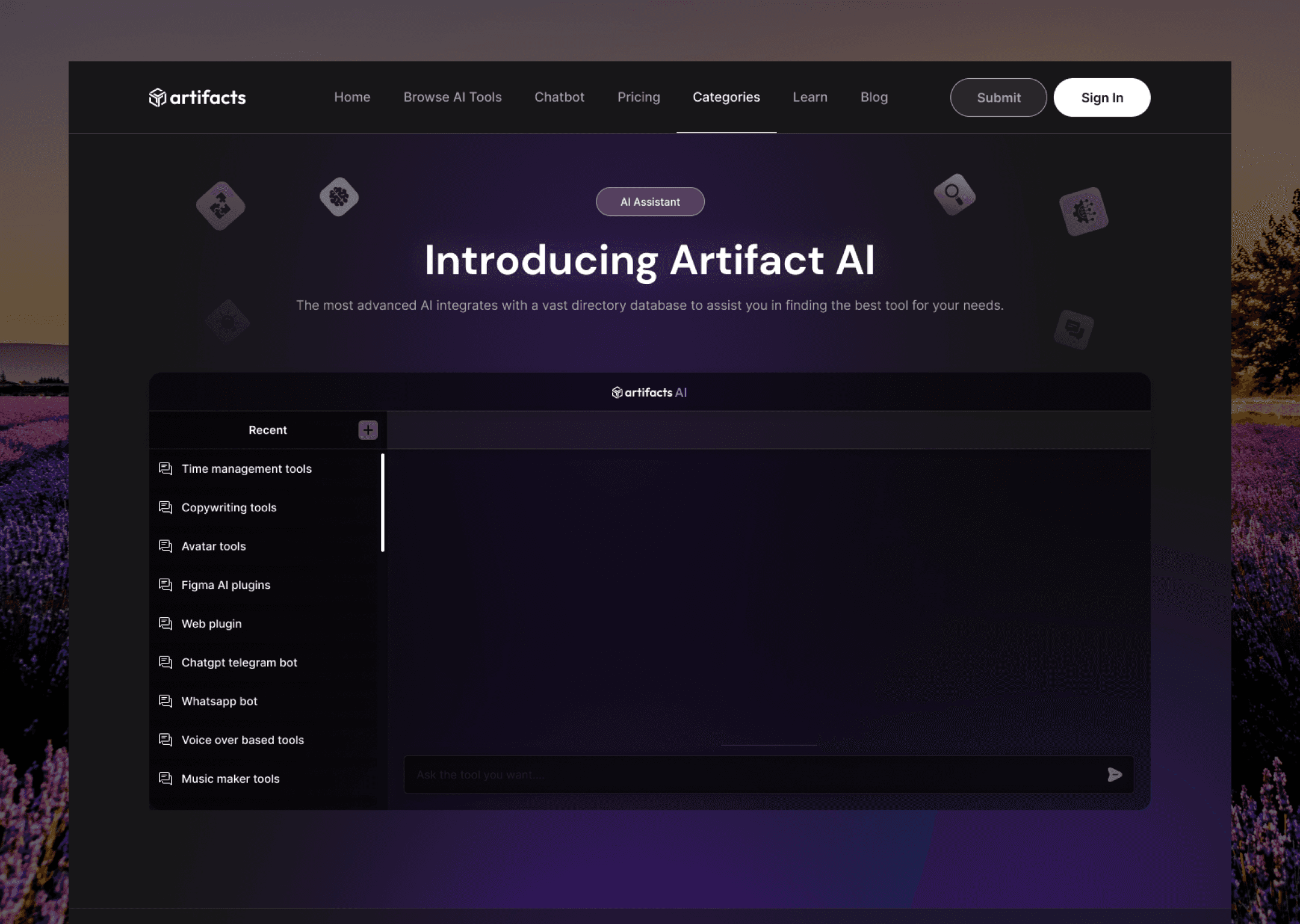
FindTools came together around three things: AI search that understands natural questions, clearly organised listings that are easy to browse, and articles and videos that turn finding a tool into learning about it. Try the idea below.
- Noise removal toolRemoves background hum and echo automaticallyGood fit
- AI audio editorLets you edit speech by editing the transcriptGood fit
- Loudness levellerKeeps volume consistent across episodesGood fit
LearnArticle: How to get studio-quality sound from a home setup
- AI copywriting assistantDrafts descriptions from a few product detailsGood fit
- Brand voice checkerKeeps every description in the same toneGood fit
- Bulk content generatorHandles a whole catalogue at onceGood fit
LearnGuide: Writing prompts that sound like your brand
- AI tutor chatbotAnswers beginner questions in plain languageGood fit
- Interactive course platformShort lessons you can do on your phoneGood fit
- Prompt practice playgroundTry prompts and see what changesGood fit
LearnVideo: AI explained in ten minutes
The interface is modern and minimal, and it’s built to scale. It can hold thousands of tools without ever feeling crowded.
Results
It felt like an assistant rather than a filter.
People found tools faster, and the search felt more natural to use. The articles and videos set FindTools apart as somewhere to learn as well as somewhere to find tools. And engagement rose with the responsive design, which backed up the decision to put mobile first.
What I learned
- Spotting competitors’ flawsFinding the gaps they ignore
Competitor analysis was most useful when it showed me what nobody else was doing, rather than only what they were doing badly.
- Clever technologyApproachable technology
The AI search only became valuable once the interface felt friendly and the learning resources were easy to reach.
- Finding toolsUnderstanding them
Adding educational context changed the product. People didn’t just find tools, they understood them.
Looking back
FindTools grew from an idea into a working platform that helps people find, understand and start using AI tools. It showed me that decisions grounded in research, steady iteration and the courage to rethink the whole concept can lead to something genuinely useful.